


Most MSP security stacks look solid on paper. You have firewalls, antivirus, MFA, and maybe a SIEM in place. Clients feel protected. You feel confident. And then a breach happens, and the investigation reveals the same uncomfortable truth: a compromised, outdated endpoint walked right through the front door.
The credentials were valid. The user was legitimate. But the device? Nobody checked.
This is the gap that device posture checks are designed to close. And right now, most MSPs are not using them.
The Credential-Only Problem in Modern Access Security
For years, security teams treated identity as the primary gatekeeper. If you had the right username, password, and MFA code, you got in. That model worked when everyone used company-issued hardware behind a managed network.
That world no longer exists.
Today, employees work from home, from personal laptops, from devices you have never scanned. Most MSPs have zero visibility into the security state of those devices at the moment of access.
Zero trust frameworks are clear on this point: identity alone is not enough. Solutions that only verify user authentication, without checking the security health of the device, leave your clients exposed to users connecting from compromised endpoints. That gap needs to be closed at the device level. That is exactly what Zero Trust Network Access, done right, is built to address.
What Device Posture Checks Actually Do
Device posture checks evaluate the real-time security state of an endpoint before granting it access to a network or application. The check happens at sign-in and, in strong implementations, continues throughout the session.
The conditions a posture check evaluates typically include whether antivirus is installed and running updated signatures, whether full disk encryption is enabled, whether the operating system is on a supported version, whether a firewall is active, and whether any malware has been detected by an integrated endpoint protection platform.
If a device fails any required condition, access gets blocked or restricted automatically. No technician reviews a ticket. No alert gets triaged. The policy enforces itself, and for MSPs managing dozens of clients, that kind of automation matters.
Why Most MSP Stacks Still Have This Gap
The tools exist. The frameworks demand it. And yet most MSPs are still not doing it. Here is why.
The Stack Was Built Reactively
Most MSP security stacks were not designed from scratch with zero trust in mind. They evolved layer by layer. Posture checking requires a more intentional architecture that connects identity, device health, and access policy in one place.
The Assumption That Antivirus Is Enough
Many MSPs and their clients assume that having an endpoint protection platform installed means the device is safe. But antivirus being installed and antivirus being active, updated, and clean are very different things. Posture checks verify actual state at the moment of access, not what was true during the last scheduled scan.
No Real-Time Enforcement
Even MSPs who do some endpoint compliance checking often do it through periodic scans. A device that was clean on Monday may have picked up malware by Thursday. If posture is not evaluated at every sign-in, the protection has a window attackers can use.
What Good Device Posture Enforcement Looks Like for MSPs
Integration With Existing Endpoint Protection Platforms
Your clients are already running tools like Bitdefender, Microsoft Defender, SentinelOne, or Heimdal. A solid posture framework pulls real-time telemetry from these platforms and uses that data to make access decisions. That existing investment becomes part of your access control layer without requiring a full replacement.
Cross-OS Coverage
Posture checks that only cover Windows miss too much. A client workforce today uses a mix of Windows and macOS. The posture framework needs to evaluate compliance across all of them, with appropriate attribute checks per operating system.
Continuous Enforcement and Audit-Ready Reporting
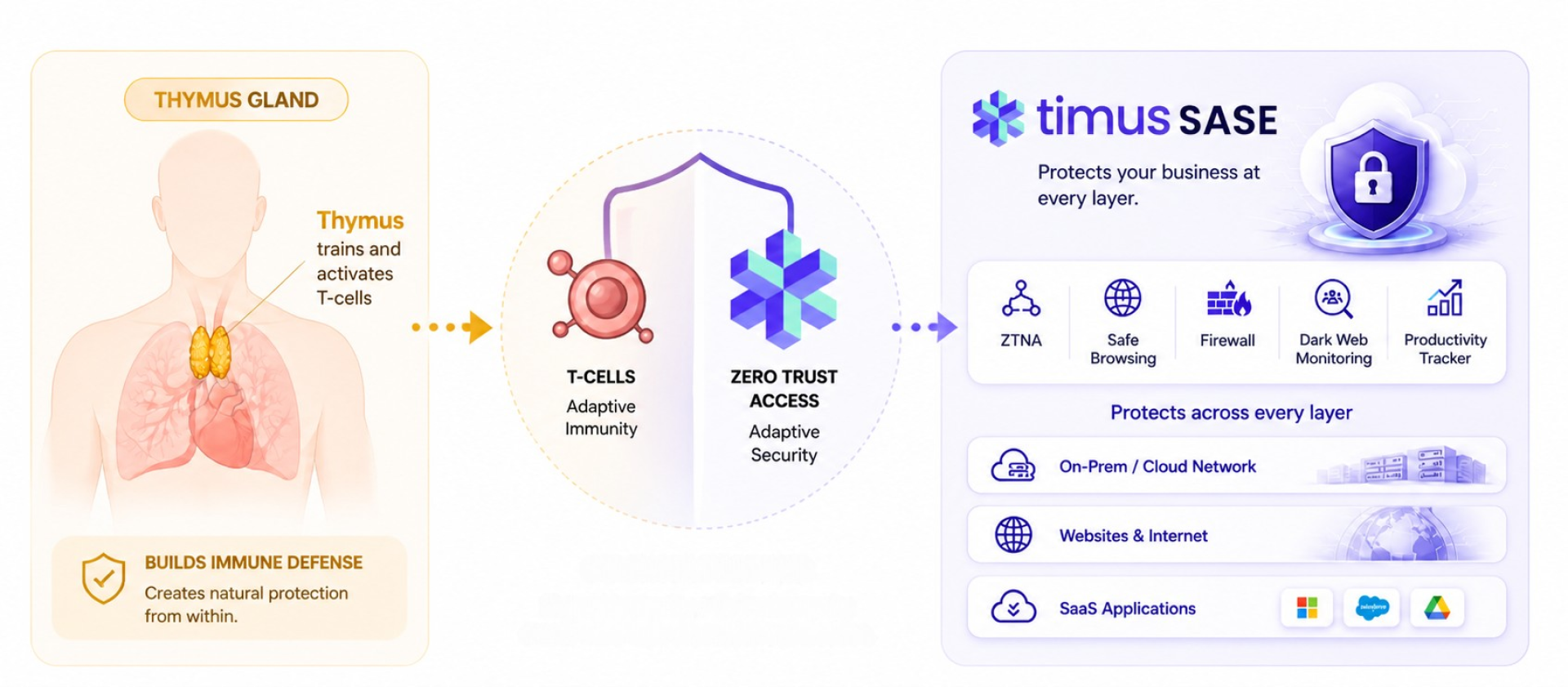
Posture checks should connect to sign-in policies and session behaviors. A device that fails mid-session should have access dynamically revoked, not just flagged for review. And the reporting output — showing pass and fail rates, top failing attributes, and per-device compliance trends — gives you real evidence for client security reviews and compliance audits. Timus’s SASE platform is designed for continuous enforcement, combining device posture, identity, and network access into a single, manageable layer.
How Timus Networks Handles Device Posture for MSPs
We include Advanced Device Posture Checks as a core part of our Zero Trust Security layer. MSPs can define exactly what conditions a device must meet before access is granted, and the feature integrates directly with the endpoint protection platforms already running across client environments.
Posture checks pull telemetry from the Timus Connect agent and from integrated EPPs including Bitdefender, Heimdal, Microsoft Defender, and SentinelOne. This means no rip-and-replace of existing tools. MSPs extend what clients already have into a proper access control layer.
The attributes available span antivirus state, disk encryption, firewall status, OS version, running processes, risk scores, malware detection status, and more. Each posture check is created per operating system, so coverage is precise rather than generic.
Posture is evaluated at every sign-in, not just during onboarding. If a device falls out of compliance mid-session, access is dynamically revoked or restricted based on the policies configured. It is always-on enforcement, not a one-time checkbox. Compliance trends and per-device history are visible through Device Posture Reports inside the Timus Insights section.
Why This Layer Changes the Client Conversation
Device posture checks give you something specific and visible to show clients. You can point to exactly how many devices connected last month, how many passed, how many failed and for what reason, and what access was blocked as a result. MSPs who have gone through a breach tell us this is exactly the kind of evidence they wished they had ready on day one of the incident response call.
It also positions you at a more sophisticated security tier. Not every MSP enforces device-level access controls. For clients who have been through a breach or a cyber insurance audit, that distinction matters. Insurers increasingly scrutinize endpoint hygiene, and having documented posture enforcement is the kind of evidence they want to see.
Closing the Gap Before It Becomes a Breach
The security stack most MSPs run today covers a lot of ground. But it has a gap that attackers understand and exploit: it trusts credentials without checking the device behind them.
Device posture checks are not a nice-to-have. They are the difference between a zero trust policy that sounds good in a sales deck and one that actually holds under attack. Without them, your clients are relying on passwords and MFA codes to stop threats that originate from the device itself.
Adding posture enforcement does not require rebuilding your stack. It requires a platform that integrates with what you already have and adds access-time evaluation of device compliance. Paired with a Secure Web Gateway and Zero Trust access controls, posture checks become the layer that finally closes the loop. That is what has been missing.
FAQs
1. What is a device posture check?
A device posture check evaluates the real-time security state of an endpoint such as antivirus status, disk encryption, and OS version before granting it network or application access.
2. Do device posture checks replace antivirus or EDR tools?
No. They work alongside existing tools like Microsoft Defender or SentinelOne by pulling telemetry from them and using that data to enforce access decisions.
3. How often are posture checks evaluated?
In platforms like Timus Manager, posture is evaluated at every sign-in and can dynamically revoke access mid-session if a device falls out of compliance.
4. Can posture checks work across different operating systems?
Yes. A proper implementation covers Windows, macOS, iOS, and Android, though available telemetry attributes vary by OS and connected EPP.
5. Why should MSPs prioritize this over other security layers?
Because most MSP stacks already handle identity and network perimeter, but leave the device itself unchecked. This is the most commonly exploited gap in access control today.



 Tie-mus (like “time-us,” but sharper)